You have to go the Post Office. I can hear you sighing from here and I get it. Going to the Post Office is a chore I try my best to avoid. The lines. The hours.
Even before we started Nice Minnesota, Scott has always sold stuff online. He’s a Craiglist and Ebay junkie. He has always known how to get around going to the Post Office and I’m here to share his super easy process.
Once you know these steps, you can ship a package from your house and get stamps from Kwik Trip and avoid the Post Office all together.
Before you get started, you’re going to these items:
- A PayPal account.
- A computer hooked up to a printer.
- Packaging material (box, envelope, clear tape, etc).
- Postage scale.
Once you have all your materials, it’s this easy.
Prep Your Package
- Put your items in the shipping package.
- Weigh your package using your scale. We use this one.
- Seal your box with clear tape.
Prepare Your Shipping Label
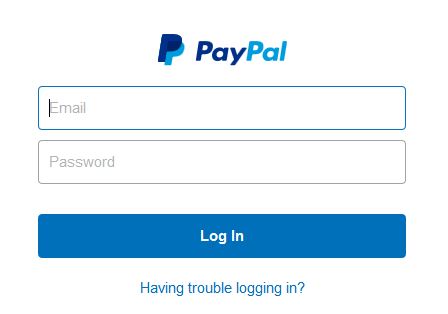
- Sign in to PayPal through this link.
- Enter the shipping information.
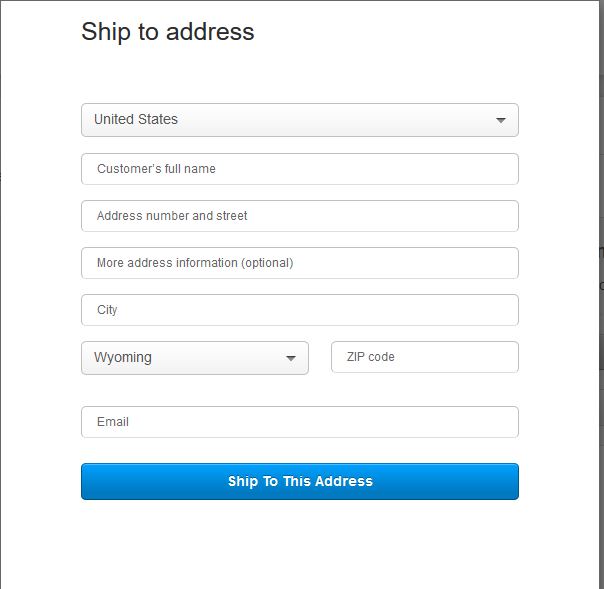
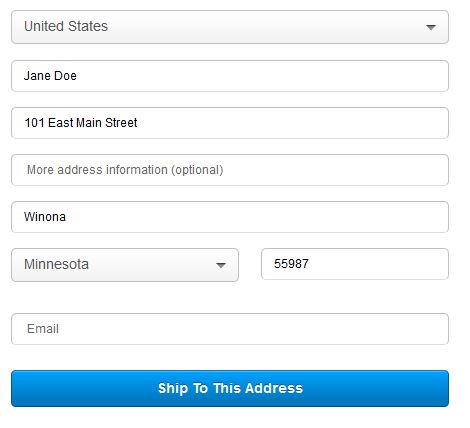
- Click Ship to This Address. Your from and to addresses will load on the page.
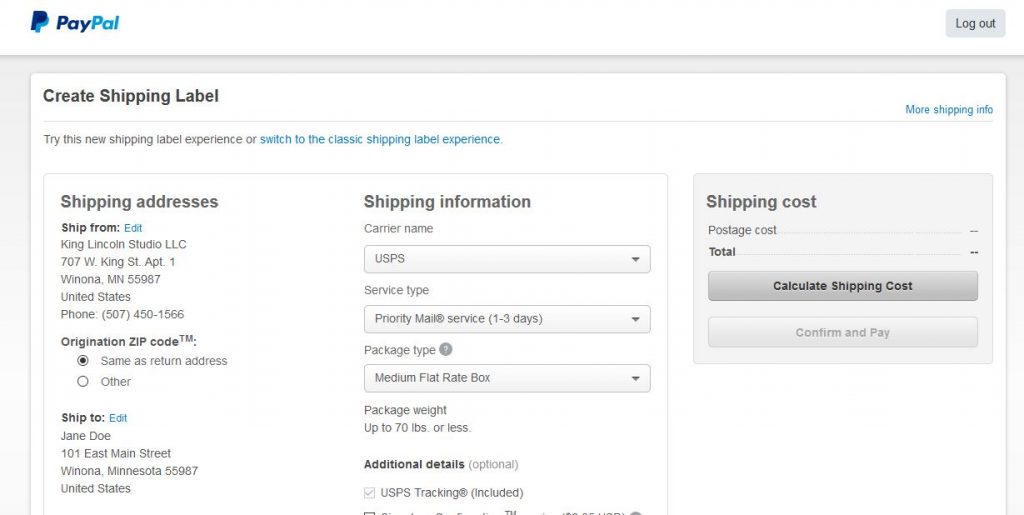
- Keep the Shipping Carrier as USPS.
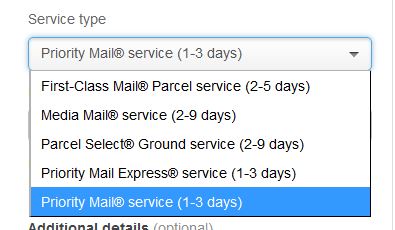
- Choose your Service Type.
We typically use either First Class (2-5 days) or Priority Mail Service (1-3 days) depending on how much the package weighs. If it’s more than a pound, use Priority Mail.
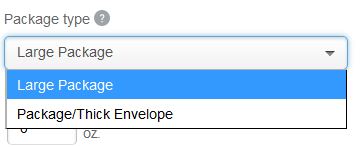
- Choose Package Type.
These options will change based on what you chose for #5.
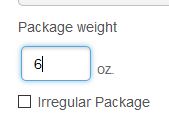
- Enter the weight of your package in ounces.
- Choose from the Additional Details section as appropriate.
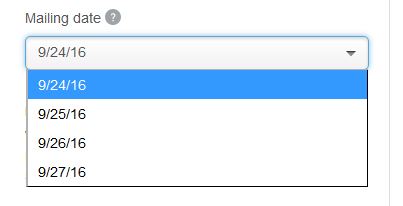
- Choose your Mailing Date.
- Click Calculate Shipping Costs on the right side of the page. Your postage total should appear.
If the total seems too high, review the Service Type you selected. You can choose other options from the dropdown, update your package details and recalculate the shipping cost until you find the best price.

Once you are happy with the shipping cost… - Click Confirm and Pay. Your PayPal account with be charged for the shipping cost.
Print Your Label
- A shipping label will load at the top of the page. Click Print.
- Print your shipping label and affix to the front of your package.
We use these shipping labels since it’s one giant sticker and we don’t have to deal with taping the shipping label on our package.
Leave your package at your front door for the post man or woman to pick up and you’re all set!
If you ship your own packages, what are you other tips and tricks? Leave me a note in the comments.